A place for
every photo.
Choose a folder before you shoot. Keep your photos organized, accessible and under your control.
Store release preparation is in progress. Planned distribution: free on F-Droid and a one-time purchase on Google Play. Neither store listing is live yet.
Folders first
Nested paths, searchable folders and exact Unicode names. Every new session starts with your destination choice.
Local by default
Capture without an account, PC or internet connection. Saved photos remain in the folder you chose.
Your PC, optionally
Pair the free desktop receiver for certificate-verified HTTPS transfers over your LAN.
See it in action
Choose a destination, take your photos, and decide whether to sync a copy to your computer.
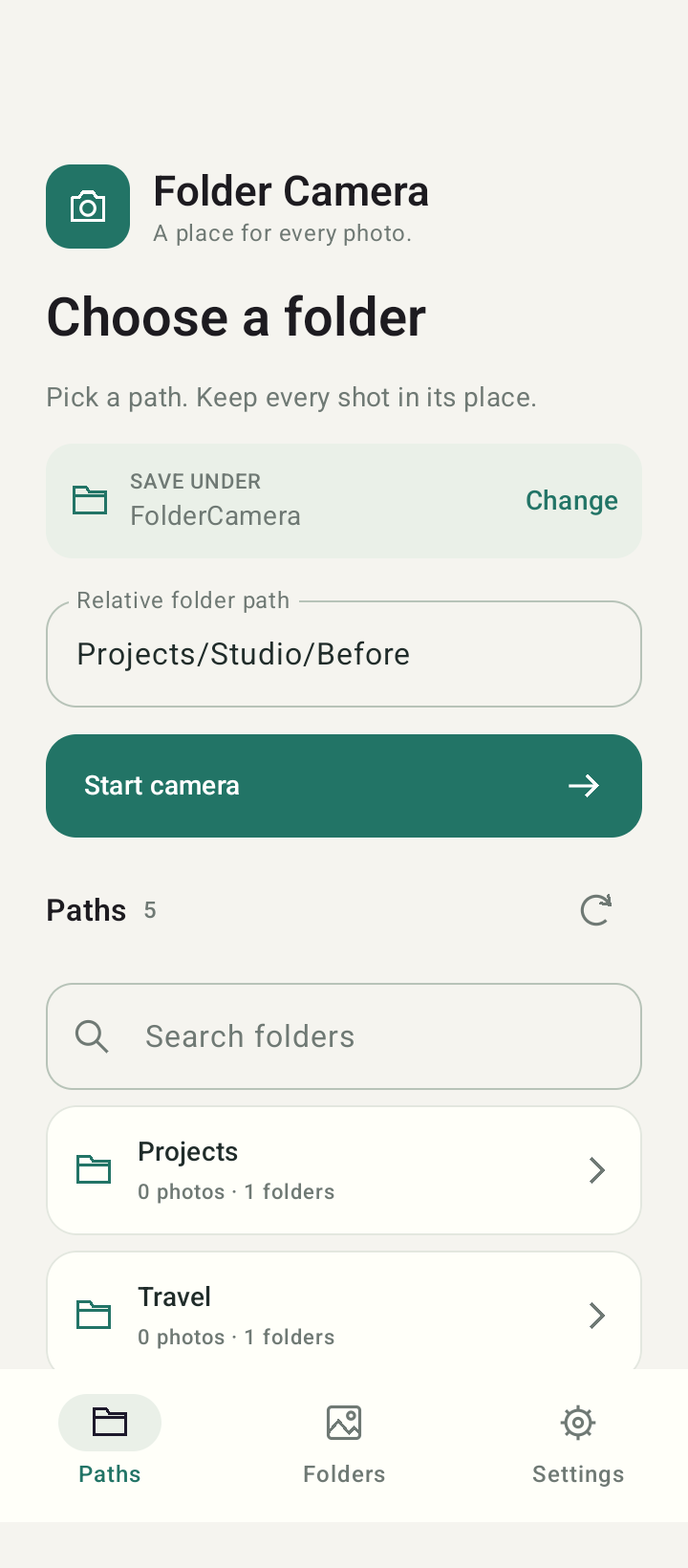 Choose your folder
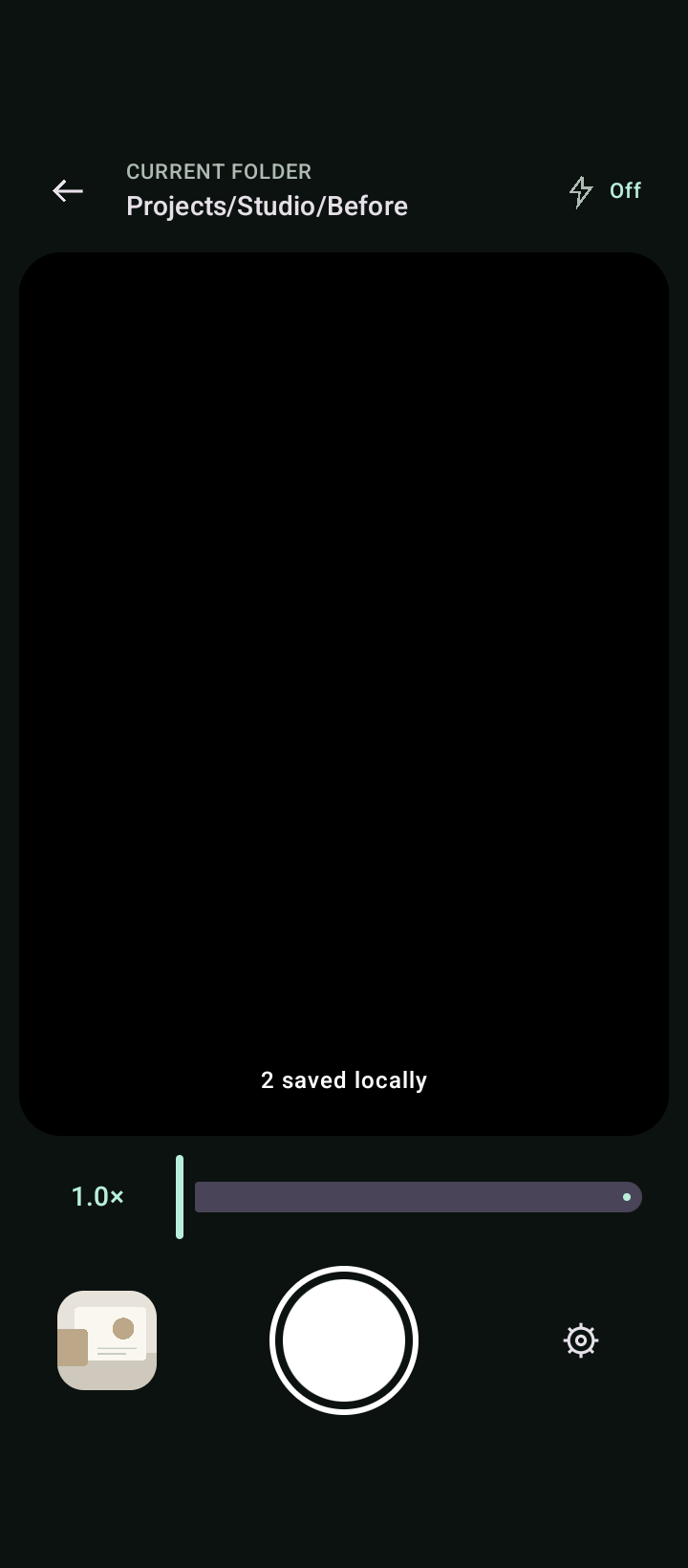 Keep the destination in view
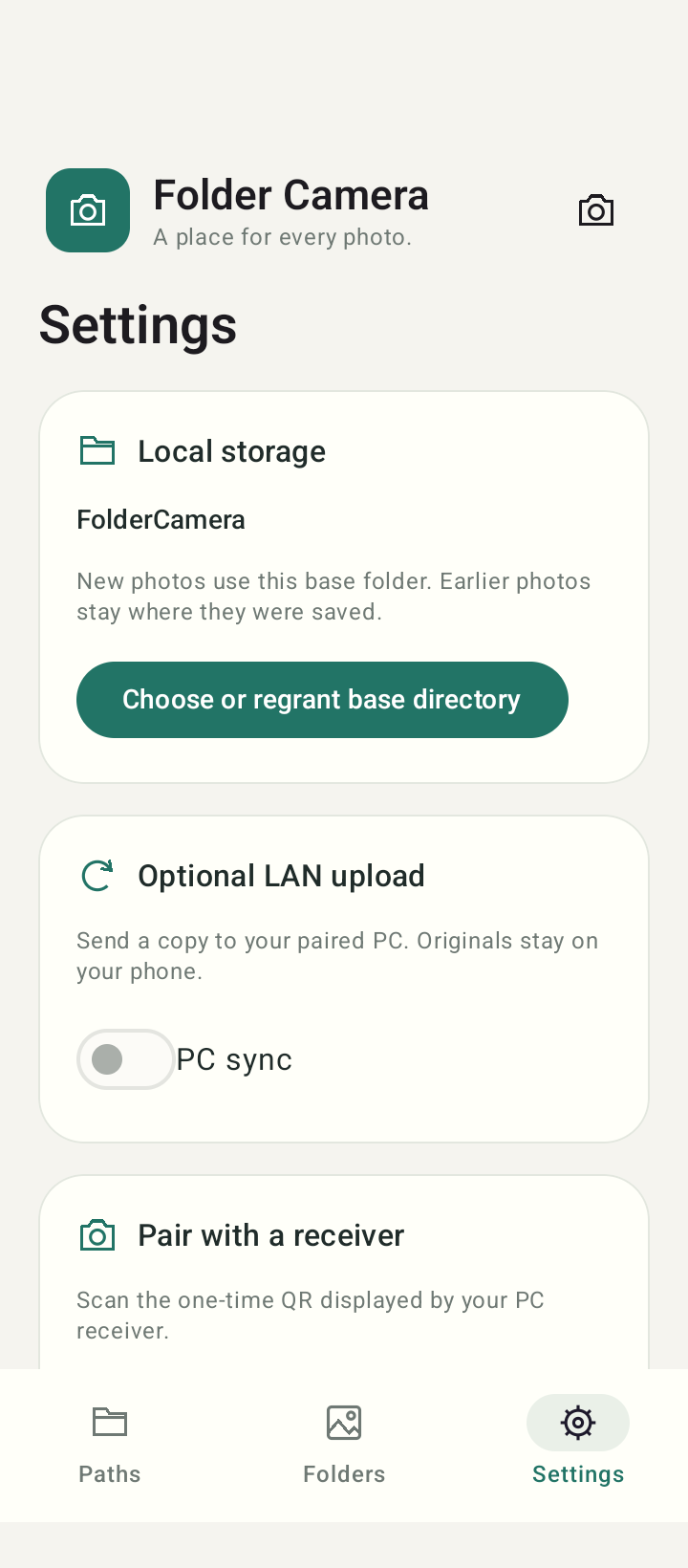 Sync when you choose
Android screenshots use sample folders and photos. The emulator capture omits the live camera preview. Select an image to see it full size.
Get the desktop receiver
Open the receiver, choose a folder, then scan its pairing code from your phone. The desktop runtime and certificate generation are included.
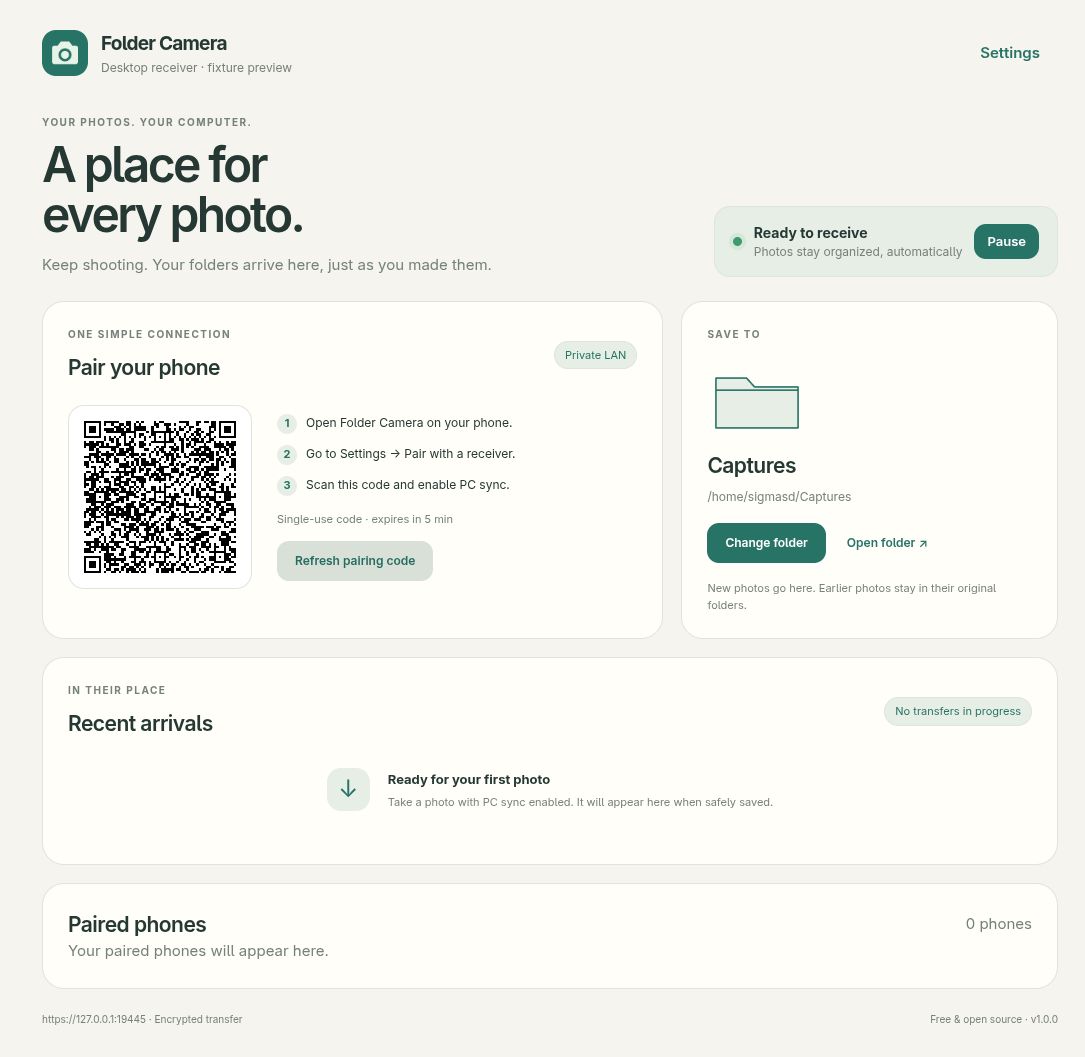 Desktop receiver interface preview with sample data.
Source code and documentation
Folder Camera is GPL-3.0-or-later open-source software. No advertising, analytics or developer-operated photo server.